Chrome extension · Free

The tab manager that never loses your work

Save a messy window of tabs as a named session, close with confidence, and get every tab back exactly as you left it — with a 30-day trash and version history that catch the mistakes every other tab manager lets through.

No account, no trial, no card. Sync is the only paid feature — and you never have to buy it.

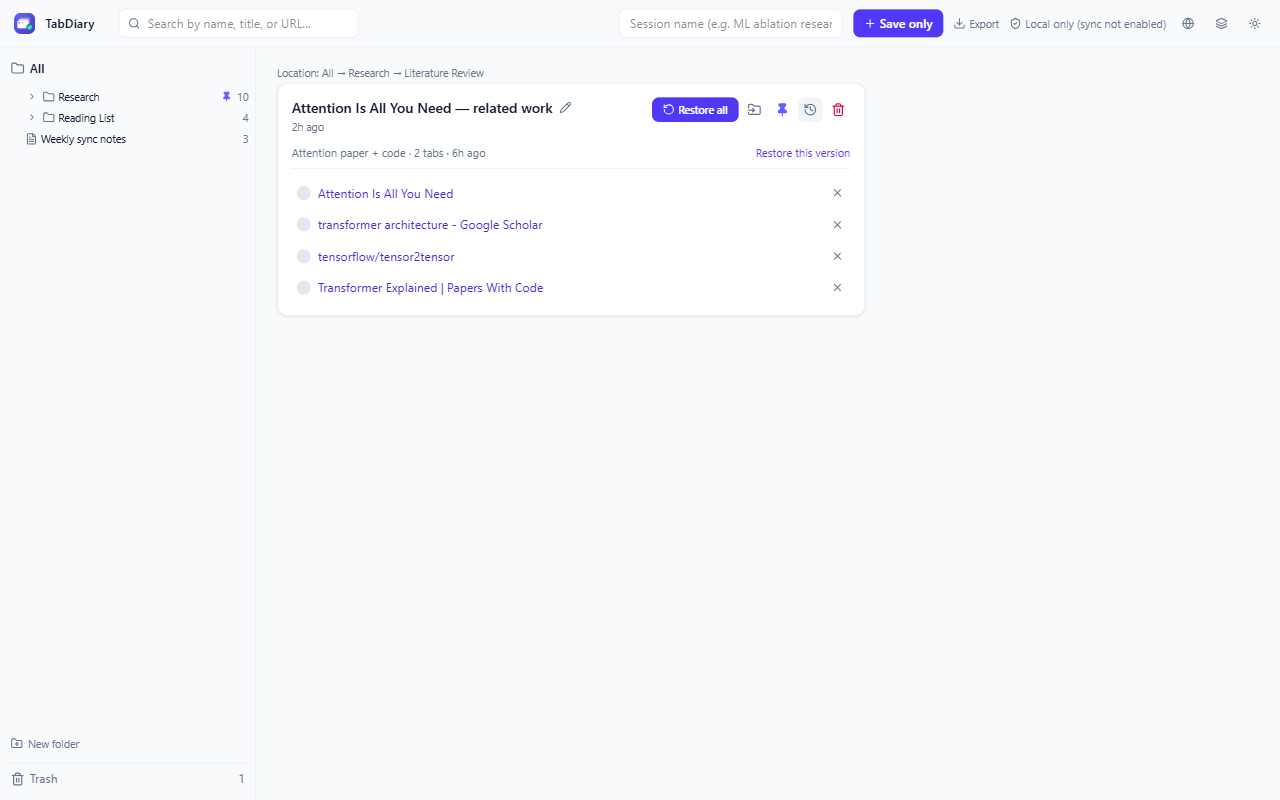
TabDiary version history panel showing a restorable earlier version of a research session
30 daysto undo any deletion
0website permissions requested
213 KBtotal download size
$0to use everything that protects your data

Every tab manager organizes tabs. Only one stops you from losing them.

OneTab, Session Buddy, Toby, and Tabs Outliner all share the same weak point: a single write to local storage stands between you and your research. TabDiary treats that as the problem worth solving.

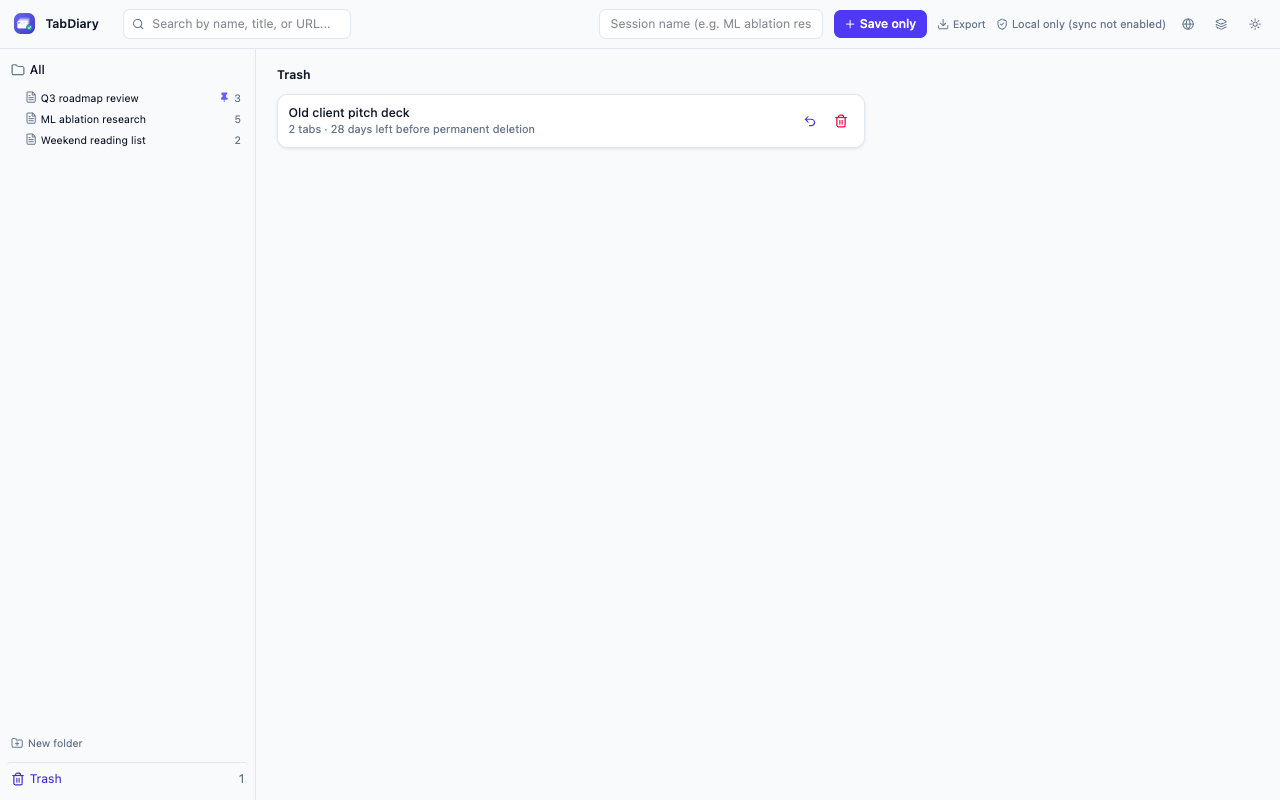
30-day trash, not instant delete

Closing a session by accident doesn't destroy it. Every deleted session (and folder) sits in Trash for 30 days with one-click restore.

Version history on every edit

Renaming a session or removing a tab snapshots the prior state first. Undo a bad edit days later — no other tab manager offers this.

Export — and import back

Your whole library in one JSON file you control, and you can load it straight back in. A backup you can actually restore, not just read.

Built for people who live in dozens of tabs

Researchers, engineers, and anyone mid-way through six things at once.

Save & restore instantly

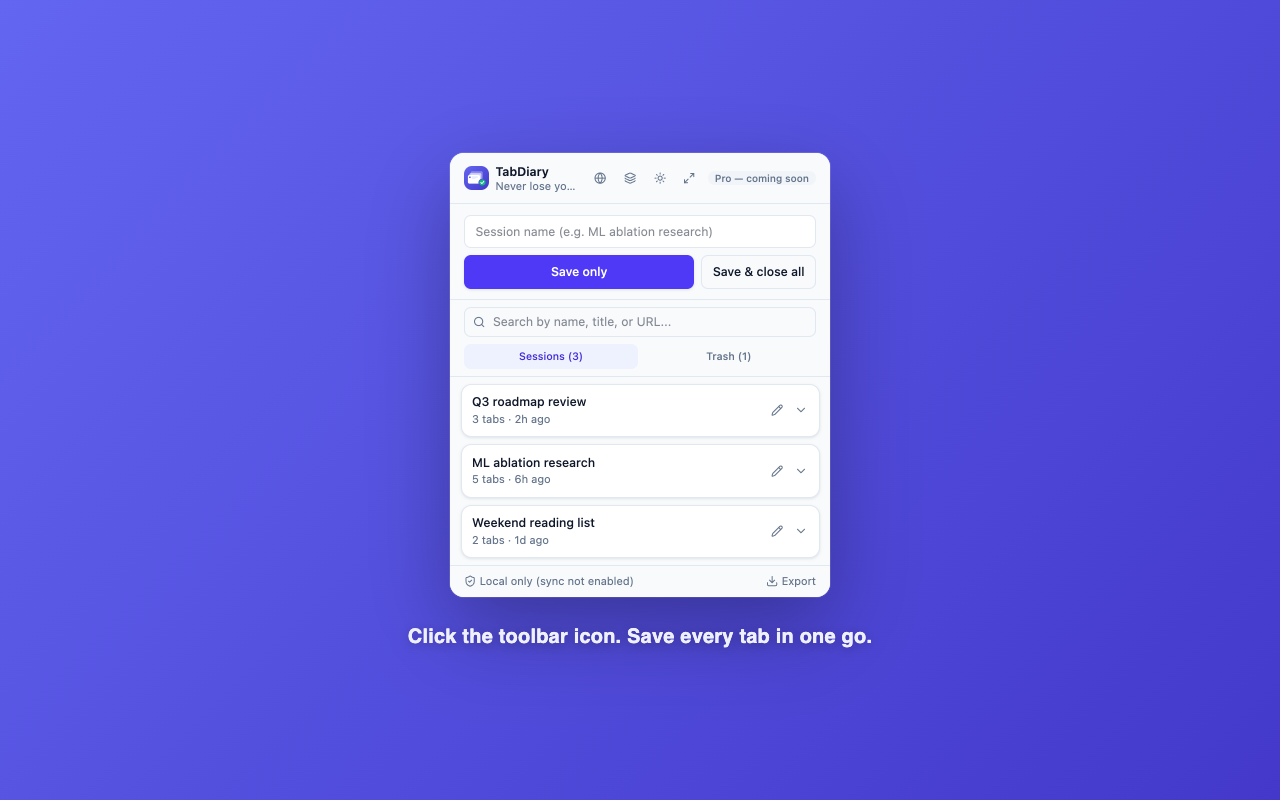
Name a window's worth of tabs, save it, and close with confidence. Restore all — or just the one tab you actually need.

Nested folders

Organize sessions into folders inside folders, exactly like OneTab's full-page view — pin the ones you use every day.

Search everything

Find a session by name, a tab's title, or its URL — across your entire library, not just the open list.

Side panel, not just a popup

Dock TabDiary beside the page and it stays open while you work, instead of vanishing the moment you click something else.

Coming from OneTab?

Import OneTab and Session Buddy export files directly. Years of saved tabs come with you — you don't start from an empty list.

Shortcuts and right-click

Save the whole window with a keystroke, or from the right-click menu — without opening anything first.

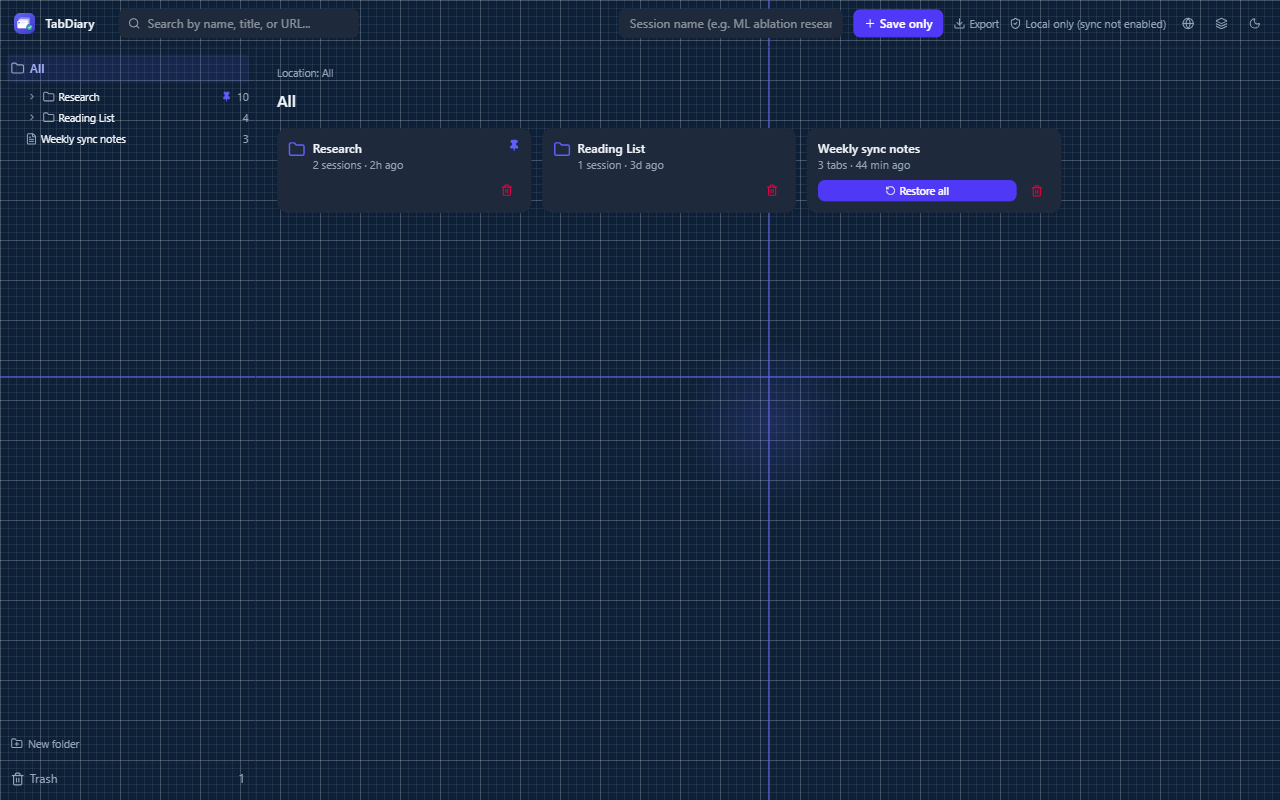
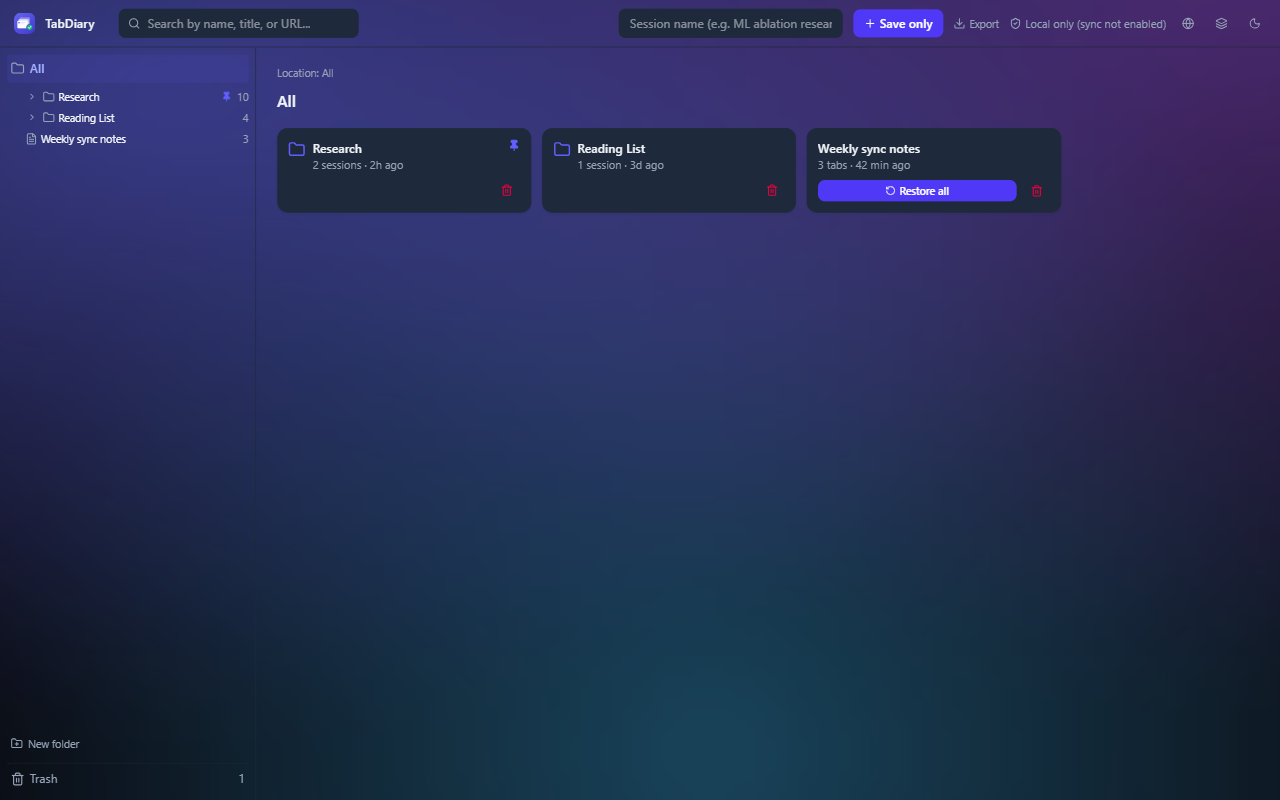
5-level brightness

Not everyone finds "light" or "dark" comfortable. Dial in the exact brightness that suits your eyes, on a smooth slider.

Optional interactive backgrounds

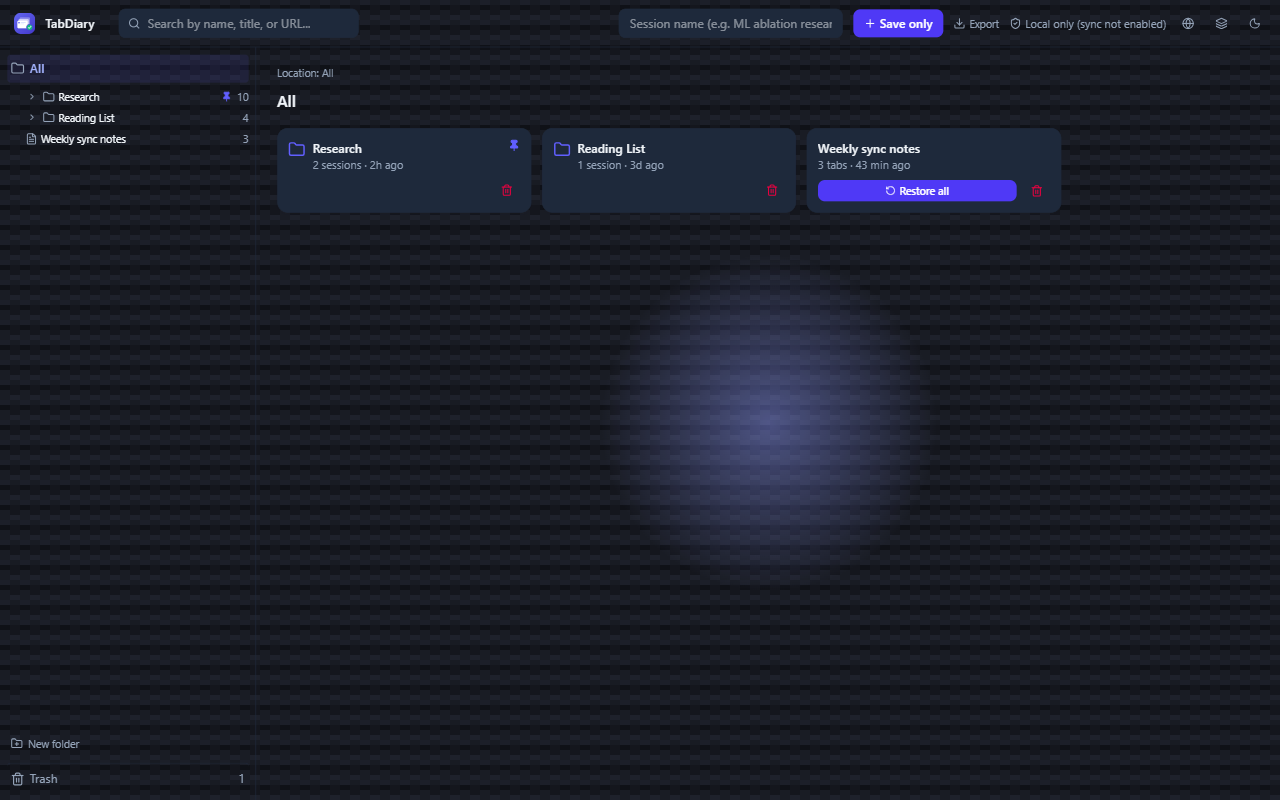
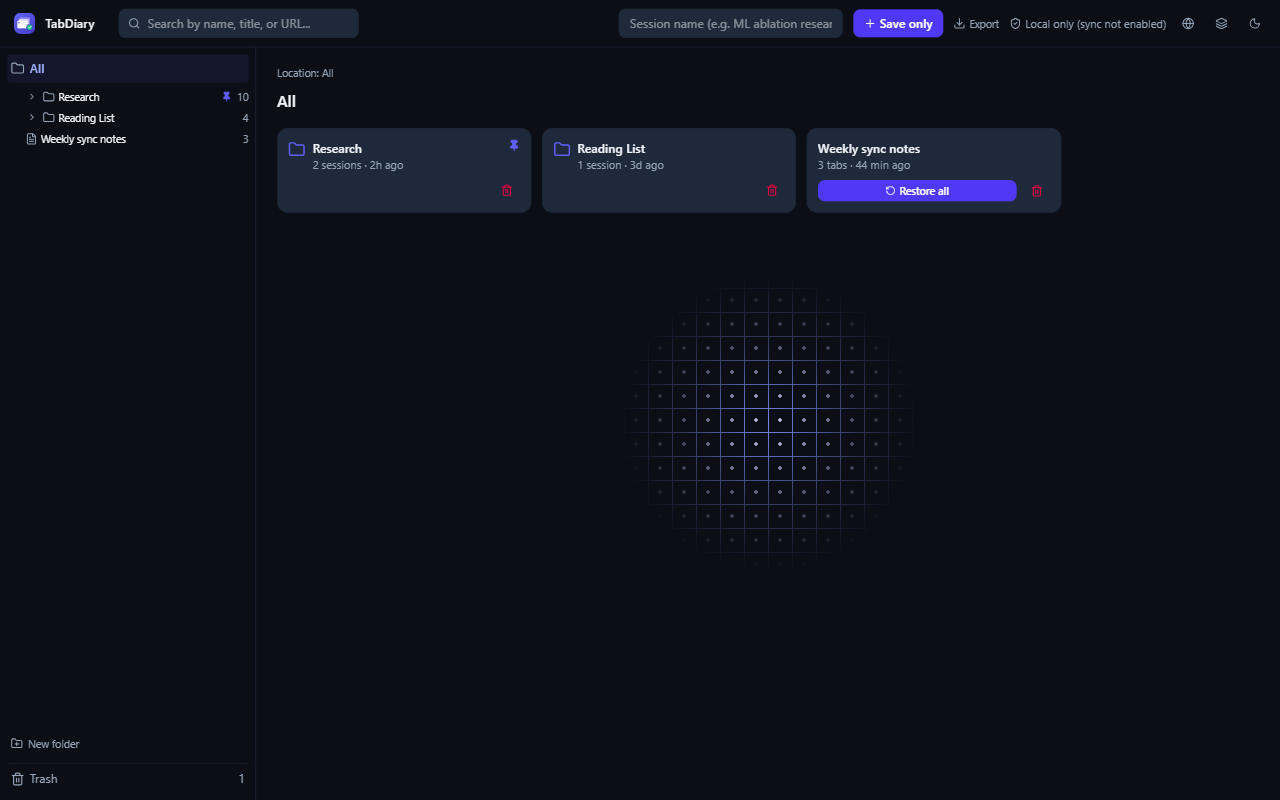
Four opt-in background styles — from a subtle carbon weave to a drifting aurora glow — for when the default feel is too plain.

English & Vietnamese

The full interface is available in English and Vietnamese, switchable instantly, with more languages planned.

Make it feel like yours

Four optional background styles, each built as pure CSS — no images, negligible battery cost, entirely opt-in.

See the full design system →

Free, except one thing

Everything that keeps your data safe is free. The only paid feature is the convenience of not having to move sessions between machines yourself.

Free, forever

Sessions, nested folders, 30-day trash, version history, import and export, side panel, keyboard shortcuts, themes. No account required, and no cap on how many sessions you keep.

Cross-device sync — $14.49 once

Sign in with Google and your sessions follow you automatically. Pay once, not per year. You never have to buy it: the section below does the same job by hand, free.

TabDiary

$14.49 once — $14.49 over five years

Session Buddy Premium

$19 per year — $95 over five years

Toby Productivity

$54 per year — $270 over five years

Workona Pro

$72 per year — $360 over five years

Their free tiers also cap what you can keep — Toby at about 60 items, Workona at 5 workspaces. TabDiary's free tier has no cap at all, because sessions on your own disk cost us nothing.

No licence required

You can have every Pro habit without buying Pro

Sync is convenience, not capability. Everything a paid user can do with their sessions, you can do for free in about a minute — and we would rather show you than have you find out later and feel sold to.

  1. On the machine that has your sessions, open TabDiary and click Export. You get one JSON file with every session, every folder, and your trash.

  2. Move that file however you like — cloud drive, USB stick, email it to yourself.

  3. On the other machine, click Import and pick the file. Everything appears, folder structure intact.

Import adds to what is already there instead of replacing it, so you can run this in either direction, as often as you like, without ever overwriting work. The same file is a real backup: keep a copy and your whole library is recoverable on any machine, with no account and no payment.

So what is the $14.49 actually for?

Only this: not having to remember. Export and import move your data, but they do not keep two machines in step — you have to do it, in one direction at a time, and if you edit sessions on both machines in between, the copies quietly drift apart. Sync removes that chore. It buys you nothing else, and every feature that protects your data is free either way.

Import also reads OneTab and Session Buddy export files, so switching does not mean leaving years of saved tabs behind. Full walkthrough and pricing detail →
Stop trusting one tab to remember everything

Free forever — no account, no sign-up, nothing to configure.

Add to Chrome — it's free